
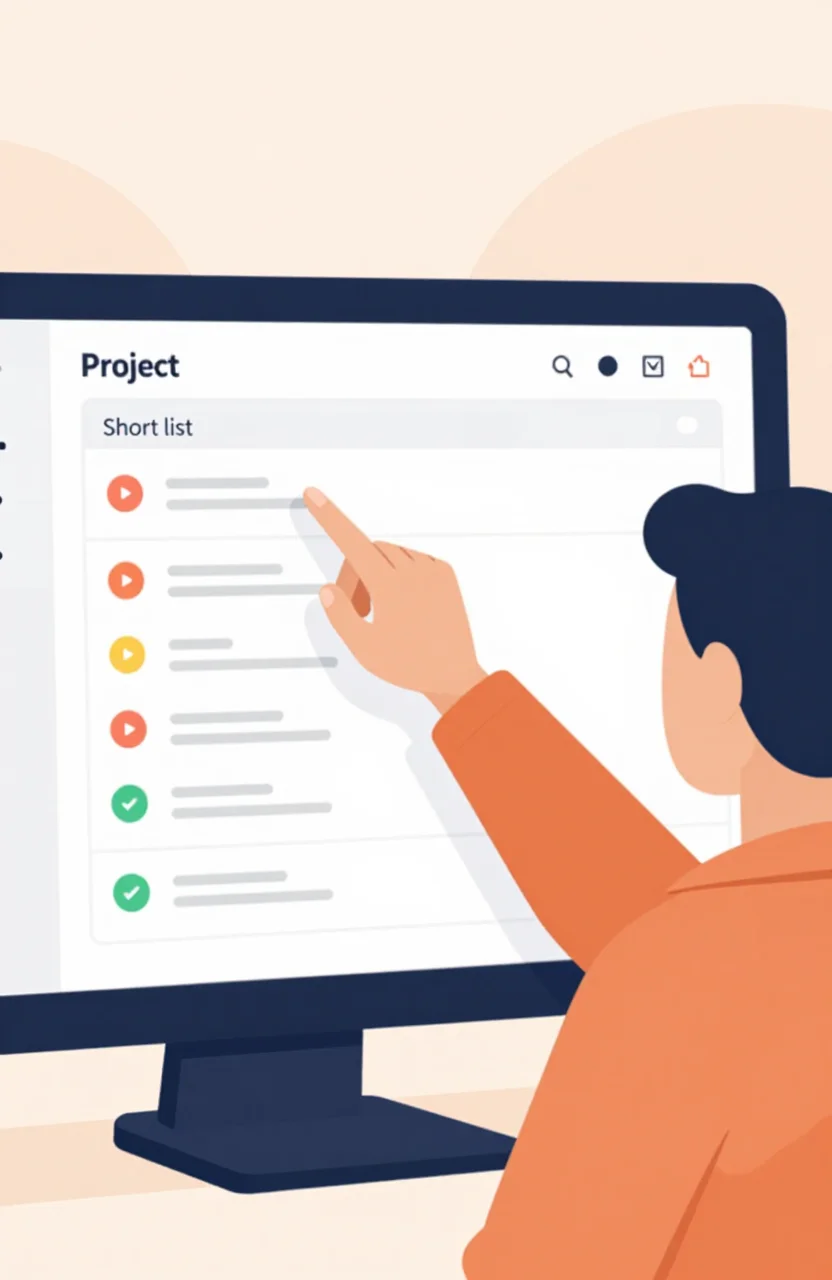
Most founders treat directories like a submission checklist. Fill the form, paste the URL, move on. Buyers do the opposite. They open a category, skim a shortlist, compare two or three options, glance at the deal, then decide whether your site is worth a click.
If you only optimize for "being listed," you miss the moments that actually send traffic. This guide walks through the buyer path on a project directory and what you can do at each stage so your listing shows up when it matters.
The path buyers actually take
On ListYourProject and similar curated directories, discovery rarely starts on a random homepage scroll. Someone has a job in mind: find a temp mail tool, a screenshot helper, an AI writer, a bootstrap analytics stack. They land in a category or search result that matches that job.
From there the path is predictable:
- Category or search: filter the universe down to tools that claim the same job.
- Compare: open a few listings side by side and judge clarity, screenshots, and social proof.
- Coupon: check whether trying you is cheap or frictionless enough to justify a visit today.
- Site: click through and decide in seconds whether the page matches the promise.
That sequence is why a polished listing in the right category beats a vague entry buried in the wrong shelf. You are not competing for "directory attention" in the abstract. You are competing for the next click in a short comparison loop.
Browse the live project directory the way a buyer would. Pick a category you do not own. Notice how fast you discard listings that bury the outcome, skip screenshots, or sound like generic SaaS pitch decks. That is the filter your own page has to survive.
Category pages are the first filter
Categories are where intent gets specific. A visitor who opens "AI tools" or "developer utilities" already narrowed the problem. Your job is to sit in the shelf they open, with a title and one-liner that match the job they typed in their head.
Relevance here is not branding. If you sell an invoice app and list under "marketing," you disappear. If you sell an AI image tool and hide under a vague "SaaS" bucket, buyers comparing image tools never see you. Category choice is the first SEO and discovery decision on a directory, because it decides who even gets a chance to compare you.
When you write the listing title, lead with the outcome a category browser expects. "Screenshot tool for clean product shots" beats "Acme Labs: reinventing visual workflows." Buyers skim. They reward the line that answers "does this do the job I opened this category for?"
Also check neighboring categories. Some buyers start broad, then refine. If your product honestly fits two shelves, claim the primary one that matches the highest-intent search, and keep the description honest enough that a secondary browse still makes sense. Stretching into every category dilutes trust and looks like spray-and-pray.
Compare mode: shortlists, not homepage browsing
Once a buyer has three to five candidates, they stop browsing and start comparing. This is where weak listings die. Vague copy, missing screenshots, and identical "all-in-one platform" claims make you interchangeable. Clear differentiation keeps you on the shortlist.
In compare mode, people look for:
- What the tool does in one sentence they can repeat to a teammate.
- Who it is for (solo founder, agency, developer, marketer).
- Proof you are live: screenshots, recent updates, a real URL.
- A reason to try now instead of bookmarking forever.
Leaderboards and ranked shortlists accelerate that compare step. A visitor who opens the leaderboard is already hunting a shortlist, not browsing for inspiration. If your listing is incomplete, you will not survive that glance. If it is sharp, a ranked view can put you next to tools people already trust, which is free context for your click.
Do not confuse compare mode with a multi-platform launch checklist. You are not trying to appear on every launch site this week. You are trying to win the two-minute decision inside one directory session. That means tighter copy, better screenshots, and a coupon that removes hesitation, not twenty half-finished profiles elsewhere.
Coupons turn interest into a visit
After the shortlist forms, buyers look for a low-risk next step. A directory coupon is that step. It does not have to scream "50% OFF FOREVER." It has to make the click feel smart: a starter discount, an extended trial, a free month for directory visitors, a credit toward the first invoice.
Calm beats desperate. "20% off your first month with code LYP" tells the buyer you expected them to arrive from this page. "HUGE SALE LIMITED TIME" tells them you are fishing. Founders browsing tools for their own stack notice the difference.
Place the offer where it is visible without hijacking the description. The description still has to sell the job. The coupon sells the timing. Together they move someone from "interesting" to "I will open the site now."
Track what happens after the click. If referrals arrive and bounce, your site does not match the listing promise. If they convert, double down on the same category and keep the coupon fresh. Directories that pay you back in traffic are the ones where this loop stays honest. For a seller-side view of which listing types tend to send visits, read directories that pay you back in traffic.
How to show up at each step of the journey
Map your listing work to the buyer path instead of to a submission calendar.
Category step: pick the shelf that matches the job, not the one that sounds prestigious. Rewrite the title until a stranger in that category would keep reading.
Compare step: add screenshots that show the outcome, not a logo splash. Mention the audience in the first two lines. Cut buzzwords that every competitor uses.
Coupon step: publish one clear offer with a code and a limit you can keep. Refresh it when the product ships a real upgrade so returning directory visitors see momentum.
Site step: make the landing page continue the same sentence. If the listing promised "invoice reminders for freelancers," the homepage hero should not pivot to "enterprise revenue OS." Broken promises kill referral trust faster than a missing backlink.
Spend one hour a month walking your own path as a buyer. Open the category, find yourself, compare yourself to the two neighbors above and below, and ask whether you would click. That audit beats another batch of random submissions.
What weak listings miss (and strong ones get right)
Weak listings optimize for existence. Strong listings optimize for the next decision in the journey. The difference shows up in small details: a specific category, a job-shaped title, screenshots that prove the product is real, a coupon that reduces risk, and a site that matches the pitch.
You do not need to dominate every page on the internet. You need to survive category skim, win compare mode, and earn the coupon click. Do that on ListYourProject, keep the listing maintained, and the buyer path starts working for you instead of past you.
When you are ready to put a live entry in front of that path, start in the directory, claim the right category, and treat the listing like a product page with a dofollow backlink attached. That is how you show up where buyers already browse.